P3RF3CTR00TCTF 2025-Web Writeup
This write-up details the process of identifying and exploiting a Server-Side Request Forgery (SSRF) vulnerability to gain administrative access and retrieve the flag.
The challenge provided us with this zip file .
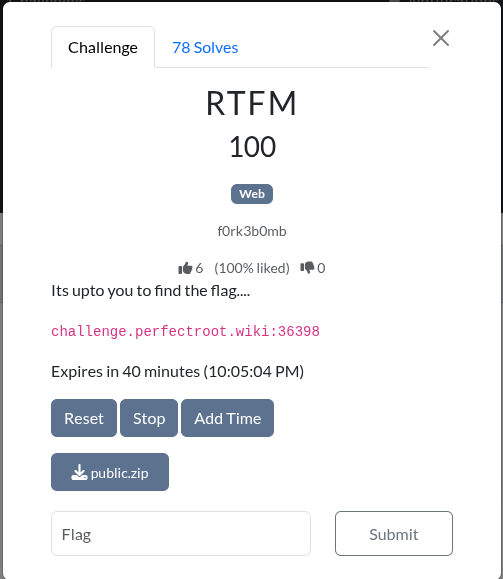
We were provided with this landing page on visiting the site:
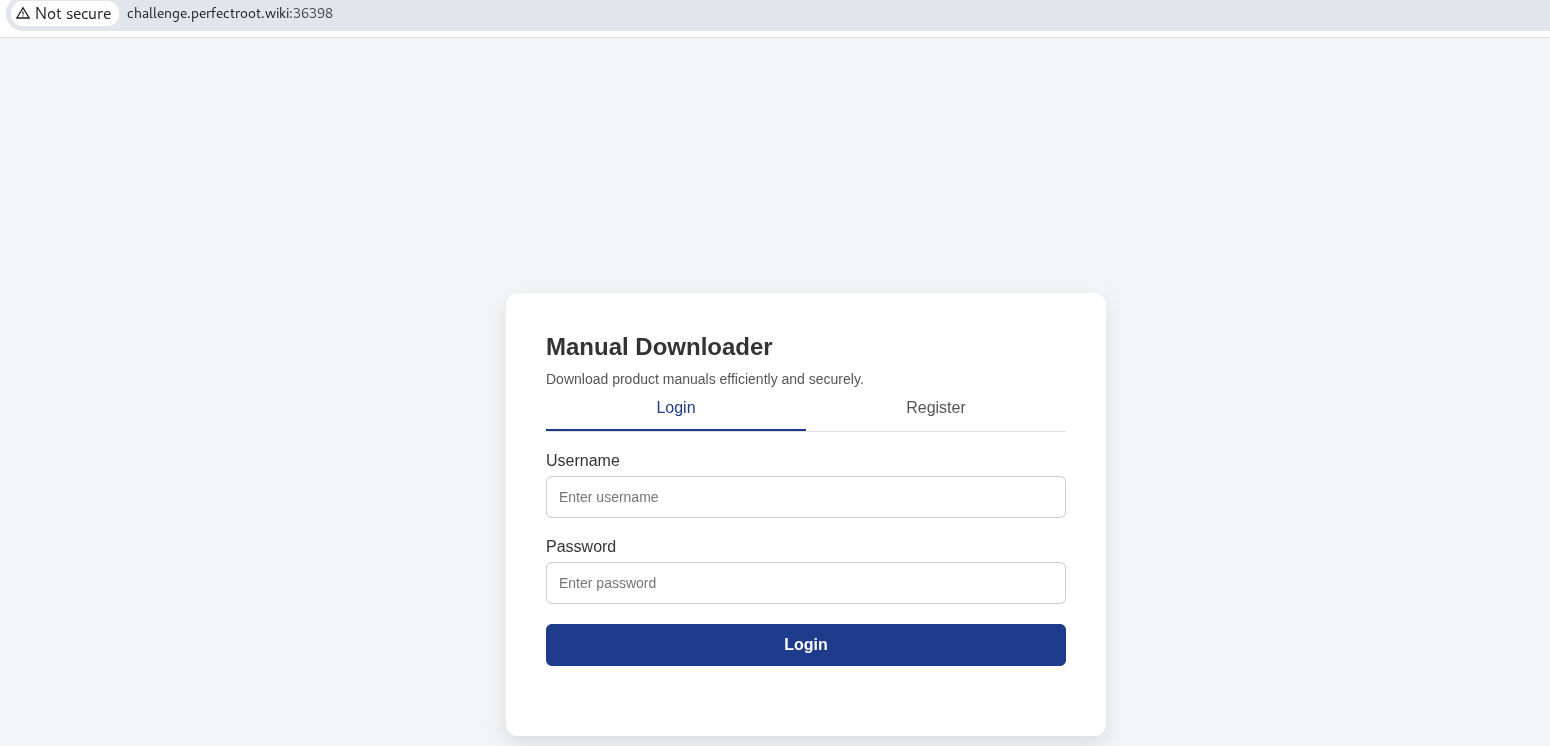
Step 1: Reconnaissance:The Code Review (Hunting for Bugs)
The first thing I did was crack open the provided source code to understand what I was up against. I wanted to map out the application’s logic and look for any slip-ups in how it handles user input. I started by examining the Dockerfile to get the lay of the land. It showed a standard Python environment, but one detail stood out: the application was configured to run specifically on port 5000. This was a critical piece of intel because if I intended to interact with the running service directly or trick it into accessing itself later, I would need to target the exact port where it was listening, not just the default web port. Next, I cracked open app.py, the application’s nervous system. I wasn’t just reading code; I was hunting for critical logic flaws,specifically, any functions that touched the database or file system without proper supervision. Almost immediately, I stumbled upon a hidden route that was practically screaming “Target Acquired”:
1
2
3
4
@app.route('/addAdmin', methods=['GET'])
def addAdmin():
    username = request.args.get('username')
    # ... logic to make user admin ...
This function takes a username and silently flips their is_admin switch to 1 in the database. The catch? It was an internal administrative tool, never meant to be touched by an outsider. I needed a way to trick the server into calling this endpoint for me. That’s when I found the bridge: the downloadManual function. It takes a user-provided URL and blindly fetches it using requests.get(url). This is was definitely a Server-Side Request Forgery (SSRF) vector. The developer clearly knew this was dangerous because they had installed a security checkpoint called isSafeUrl. I zoomed in to see just how robust this lock actually was:
1
2
3
4
5
6
7
blocked_host = ["127.0.0.1", "0.0.0.0", "localhost"]

def isSafeUrl(url):
    for hosts in blocked_host:
        if hosts in url:
            return False
    return True
This code was meant to act as a safety gate, preventing users from entering internal addresses like 127.0.0.1 or localhost. However, the check is extremely weak: it only looks for these exact strings inside the URL. It doesn’t validate the actual destination, resolve DNS, or recognize alternate representations of the same IP address. This means that as long as the URL does not literally contain one of the words in the blocklist, the server assumes it is safe,even if it secretly points back to the server itself.
What is Server-Side Request Forgery ?
Server-Side Request Forgery (SSRF) is a vulnerability where an attacker tricks a server into sending a request on their behalf to places the attacker should not normally have access to. A simple way to think about it is like being in a hotel where guests are not allowed on the VIP floor, but the bellhop can go anywhere. Instead of trying to sneak upstairs yourself, you hand the bellhop a note and politely ask them to deliver it to a room on the VIP floor. The bellhop doesn’t question you; they just take the note straight to an area you were never allowed to enter. In the same way, with SSRF you give the server a crafted URL, and the server,acting like the unsuspecting bellhop,sends the request to internal or protected locations, allowing you to reach endpoints that should have been off-limits.
In the context of this challenge, the application’s downloadManual function becomes the key indicator that SSRF is possible. This feature is meant to fetch external documents, but because it blindly accepts a user-supplied URL and only performs a weak blocklist check, it can be redirected to make requests inside its own network. By providing an internal URL in a format that bypassed the simple string filter, I was able to make the server contact its own /addAdmin endpoint. Since this request originated from the server itself, it was treated as trusted, allowing the system to update my user’s is_admin value without me ever needing direct access to that route. This confirmed that the vulnerability was indeed SSRF, as the server was effectively turned inward and used to perform an internal action on my behalf.
Jackpot.
The “security” was just a flimsy blacklist. It iterates through a list of forbidden strings (127.0.0.1, localhost, etc.) and checks if they exist inside the URL. It doesn’t resolve DNS, it doesn’t parse the IP address—it just does a simple text match. I realized that if I could write “127.0.0.1” in a way that didn’t look like “127.0.0.1” to this specific function, I could bypass the filter entirely and force the server to promote my user to admin.
The game was on!
Step 2: Exploitation: Turning the Weakness into a Weapon
Step 2.1: Creating a normal user.
Before attempting privilege escalation, the application needed a session tied to a legitimate user. Since the /addAdmin endpoint promotes an existing username, I started by creating one. Action: Registered and logged in as the user hacker. This ensured that once I tricked the server into calling the internal admin endpoint, it would know exactly whom to promote.
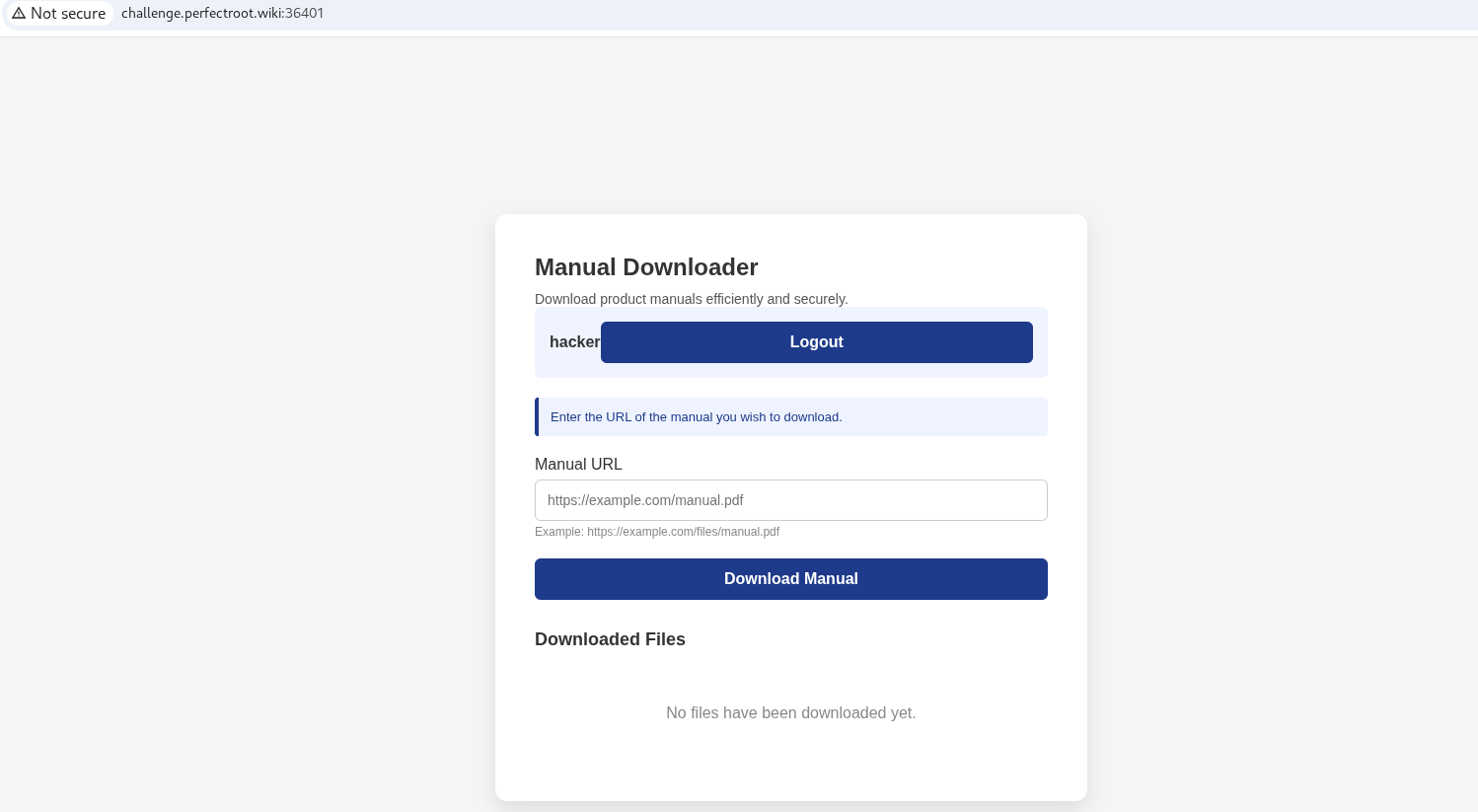
Step 2.2: Converting Localhost Into a Disguise
The blacklist only blocked the literal strings "127.0.0.1", "0.0.0.0", and "localhost". It did not check where a URL actually pointed.Only what it looked like. Which meant all I needed was a different “spelling” of localhost. The alternative: convert 127.0.0.1 into its 32-bit decimal representation, a completely different-looking number that still resolves back to localhost when used in a URL.
Decimal Conversion:
IPv4 addresses have four parts (A.B.C.D), each ranging from 0 to 255. To convert an IP to a single decimal number, each part is treated as a byte and multiplied by a power of 256 based on its position: the first part by 256³, the second by 256², the third by 256¹, and the last by 256⁰. This effectively “packs” all four bytes into one number.

To the server’s weak filter, this looked harmless. To the Python requests library, it was just “127.0.0.1” wearing a fake mustache.
Step 2.3: Building the Final SSRF Payload
Now I had everything I needed:
• the disguised IP (2130706433)
• the internal port (5000)
• the vulnerable endpoint (/addAdmin)
• and my username (hacker)
Final payload URL:
http://2130706433:5000/addAdmin?username=hacker
Step 2.4: Launching the Attack
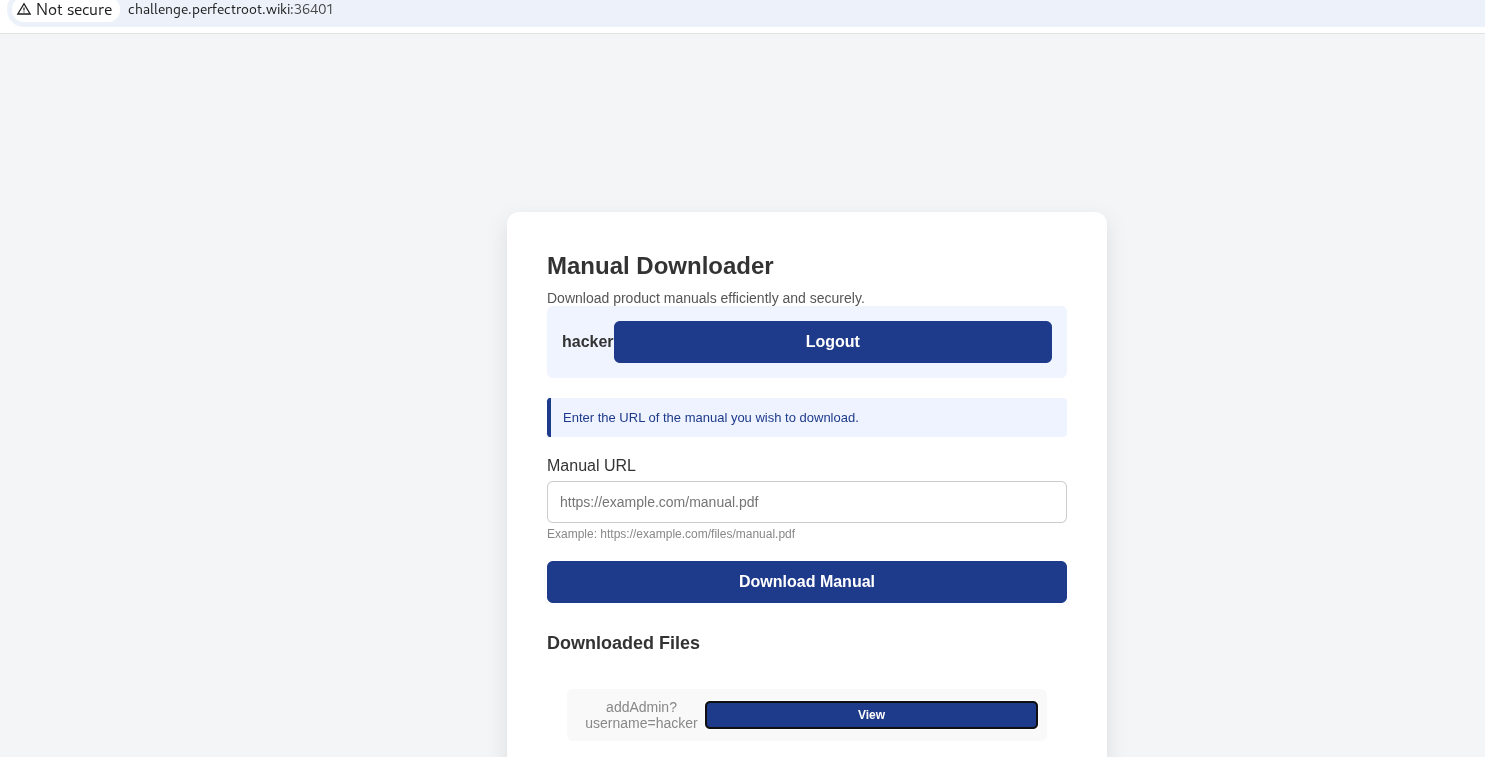
I submitted the payload through the “Manual URL” feature, which triggers a request to /api/download. Instead of fetching an external file, the server unknowingly reached right back into its own backend.
Effect:
The server executed: GET /addAdmin?username=hacker And because the request originated from the server itself, the internal logic trusted it fully. The makeUserAdmin('hacker') function ran, flipping my is_admin flag from 0 to 1 inside users.db. Just like that—admin rights achieved!
Step 3: Getting the Flag
With admin privileges enabled, I now had access to the previously blocked dashboard. I simply browsed directly to the protected endpoint.

Hurray! We got the flag !
1
2
3
4
5
6
{
  "FLAG": "r00t{749b487afaf662a9a398a325d3129849}",
  "message": "Admin panel accessed successfully",
  "success": true,
  "title": "Admin Dashboard"
}
Real World Impacts of SSRF
In real-life systems, SSRF has caused some of the most notorious security incidents in modern history. What makes it so dangerous is that servers often live in highly privileged environments—private networks, internal dashboards, admin panels, cloud metadata services, and sensitive microservices hidden behind firewalls. An attacker on the outside cannot reach these systems directly, but the server can. SSRF gives the attacker a way to whisper instructions into the server’s ear and make it knock on doors it was never meant to open.
A famous real-world case was the Capital One breach, where an attacker used SSRF to access AWS EC2’s metadata service (169.254.169.254) and retrieve IAM credentials. With those keys, they escalated into full-blown cloud compromise. Similar attacks have hit Google Cloud, Azure, and countless self‑hosted web apps. SSRF is like tricking a delivery driver into taking you past every security checkpoint simply because you’re sitting in the back of their truck—the guards trust them, so they unknowingly smuggle you in.
Preventing SSRF Vulnerabilities
1. Use a Strict Allowlist
Instead of trying to block harmful addresses, explicitly define which domains or hosts the server is allowed to contact. Everything else should be rejected. Blacklists always fail—there are infinite ways to represent an IP address, encode it, or redirect it.
2. Fully Parse and Validate URLs
Resolve hostnames, normalize the URL, and verify the final destination:
Check the resulting IP address
Block internal IP ranges (10.0.0.0/8, 172.16.0.0/12, 192.168.0.0/16)
Follow redirects carefully and re‑validate each location
This prevents attackers from using tricks like DNS rebinding, decimal IPs, or encoded URLs.
3. Network-Level Controls
Isolate sensitive admin routes so they cannot be reached through the same interface as user-controlled features. Ideally, internal services should only speak to each other through private interfaces unreachable by the web server.
4. Disable Unnecessary Server Requests
If the application doesn’t truly need to fetch arbitrary URLs from users, remove the feature entirely or severely restrict its functionality.
5. Harden Cloud Metadata Access
Cloud platforms allow restricting metadata access—for example:
AWS IMDSv2
GCP metadata access restrictions
Locking these down prevents attackers from stealing credentials even if SSRF exists elsewhere.
6. Sanitize Output and Log Suspicious Behavior
Log unusual outbound requests, unknown domains, or local network access attempts. SSRF often reveals itself through odd traffic before damage is done.